All-In-One PDF Editor, Merger and Converter
Edit, create, merge, split, compress, and convert PDF documents, all online
Online PDF editor and converter tools

Edit, Convert, Merge, Split and Compress PDF Files


PDF tools

Zonepdf Tools

Zonepdf is a cutting-edge, lightning quick, and smart PDF tool. Registration is optional; sign up for an account to convert any number of files!

Secure PDF processing

Your Files are Secure

All of the files you convert at Zonepdf are transferred over a secure connection. We’ll permanently delete them from our servers within a few hours.

High quality PDF output

High Quality

Need to email your new PDF, or upload it to the Web? You'll have a top-quality file that any platform will accept.

  How to Work with PDFs Online

ZonePDF is an online PDF toolkit for everyday document work. No install required — choose a tool in your browser, upload your file, and download the result in minutes. Pick edit, merge, split, compress, create, or a converter such as PDF to Word or JPG to PDF.

  Edit PDF Online Without Installing Software

Need to fix a typo, add a note, or update a page before you send it? Use the online PDF editor to make changes in your browser. You can also create a PDF from scratch when you need a clean document fast — without installing another desktop app.

  Merge, Split, and Compress PDF Files

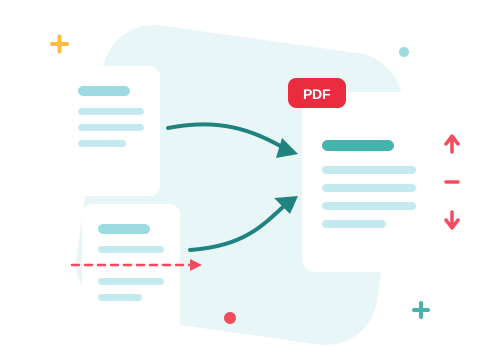
Organize large documents with dedicated tools. Merge PDF combines multiple files into one in the order you choose. Split PDF extracts pages into separate files. When a file is too large for email or an upload portal, compress PDF online to reduce size while keeping text and images readable.

  Convert PDF to Word, Excel, PowerPoint, and JPG

Convert in both directions so you can edit content and share polished PDFs. Turn documents into editable Office files with PDF to Word and PDF to Excel, or go the other way with Word to PDF, Excel to PDF, and PPT to PDF. For images, use PDF to JPG or JPG to PDF.

  PDF Tools for Work, School, and Everyday Tasks

Students merge lecture notes and compress readings for submission portals. Teams convert Word contracts to PDF before sending, split long attachments, and export slides as PDF for meetings. Freelancers and small businesses use the same toolkit to edit proposals, combine invoices, and share files without juggling multiple apps. Prefer working offline? Try ZonePDF for Desktop.

  Secure Freemium PDF Tools

ZonePDF is freemium: try the tools online in your browser, then upgrade when you need higher limits and full access. Files are transferred over a secure connection and permanently deleted from our servers within a few hours. See Pricing for current plans.

Ready to start? Choose a PDF tool above, or compare plans on Pricing.