
AI PDF
The AI assistant that reads and edits your PDFs

Upload a PDF and ask it anything. The assistant answers from the pages of your document, and can compress, merge, convert or delete pages for you along the way.
Uploading your document...
What would you like to know?
Answers come from your document(s). You can also ask for multi-step work like summarize, delete a page, and compress.
Private and Secure Document Chat
Your file travels over an encrypted connection and is permanently deleted from our servers within a few hours.
Ask Questions, Get Answers
Put a question to a contract, report or manual and get an answer drawn from the pages of that document.
It Can Work on the File Too
Ask the assistant to compress, merge, delete pages, convert, or chain several steps — then download the results from the chat.
Read Long Documents Without Reading Them
Upload a PDF or several, keep them open beside the conversation, and ask until you have what you need — online, in your browser.
How to Chat With a PDF Online
- Add one or more PDFs — drop them into the box above or pick them from your device, Google Drive or Dropbox.
- Wait a moment while the document opens next to the chat window.
- Ask your question and read the answer, with the pages right there for reference.
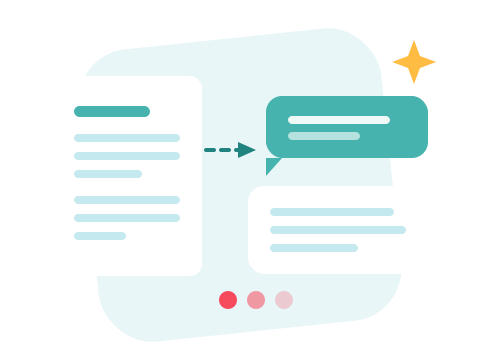
An Assistant That Also Handles the File
The conversation is not limited to questions. Ask it to compress, merge, delete pages, convert, or run several steps in one message — the assistant uses the same tools as the rest of the site and hands finished files back in the chat, ready to download.
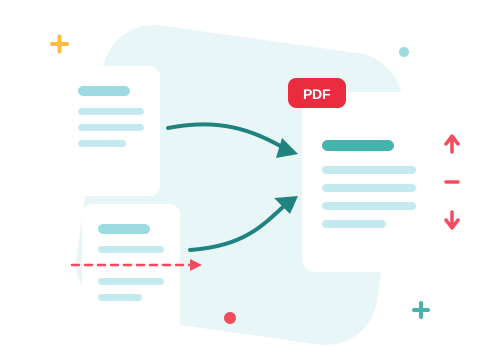
Your Document Stays Yours
Chat with your PDF right in your browser — nothing to install. Your file travels over an encrypted connection and is permanently deleted from our servers within a few hours, and the conversation lives only in this tab. Start right away and upgrade when you need higher limits.

Keep Working with the Same Document
Done reading? Compress the PDF so it is easy to email, split it into separate documents, or convert it to Word to edit what you found.
See all PDF tools
AI PDF — Frequently Asked Questions
How do I chat with a PDF online?
Add one or more PDFs to the box above. Once they are uploaded the document opens next to a chat window — type your question and the assistant answers using the text of those files.
What can I ask about my document?
Ask for a summary, for the key points of a section, for dates and figures, or where a topic is covered. The assistant answers from the document and says so when something is not in it.
Can the assistant edit or convert the PDF for me?
Yes. Ask it to compress, merge, delete pages, convert, or chain several steps — it runs the same tools the rest of the site uses, then hands you the finished files to download.
Does it work with scanned PDFs?
Answers come from the text stored in the PDF, so a scanned page with no text layer gives the assistant little to work with. Documents exported from Word, Excel or a web page work best.
Is my document kept private?
Your file travels over an encrypted connection and is permanently deleted from our servers within a few hours. The conversation itself lives in your browser and is gone when you close the page.

