
PDF to JPG
Convert PDF pages to JPG images online
Turn PDF pages into JPG images. Add your document, choose the quality you need, and download a crisp image of every page — in order and ready to use anywhere.

 Save to Google Drive


Private and Secure PDF Conversion
Your files travel over an encrypted connection and are permanently deleted from our servers within a few hours.
Every Page Becomes an Image
Each PDF page is rendered as its own JPG, in order, in seconds — right in your browser, with no software to install.
You Pick the Image Quality
Choose High for print-sharp images, Medium for everyday screens, or Low for the smallest files that send anywhere fast.
Turn PDF Pages Into Pictures You Can Use Anywhere
Upload your document, choose a quality, and download a JPG of every page — online, in seconds.
How to Convert PDF to JPG Online
- Add your PDF — drop it into the box above or pick it from your device.
- Choose an image quality: High, Medium, or Low.
- Click Convert to JPG and download your images — one page arrives as a single JPG, more arrive together in one archive.
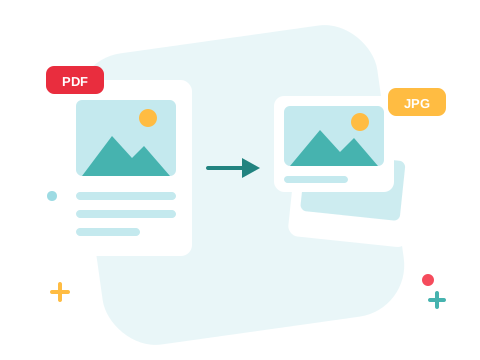
A JPG Works Where a PDF Can't
Slides, social posts, image galleries, and chat apps all want pictures, not documents. Converting turns each page into a JPG you can drop anywhere an image goes — and the files are named after the original document and page number, so a long report stays in perfect order.
A Secure Online PDF to JPG Converter
Convert PDF files right in your browser — nothing to install. Your documents travel over an encrypted connection and are permanently deleted from our servers within a few hours. Start right away and upgrade when you need higher limits.

Only Need Some of the Pages?
Split the PDF first and convert just the pages you want. Going the other way? Turn JPG images back into PDFs — or if it's the text you're after, not pictures, convert the PDF to Word instead.
See all PDF tools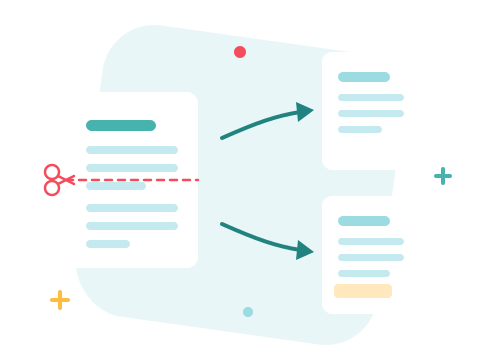
PDF to JPG — Frequently Asked Questions
How do I convert a PDF to JPG online?
Add your PDF to the box above, pick an image quality, and click Convert to JPG. Your images are ready to download in seconds.
Does every page of the PDF become a JPG?
Yes — each page is rendered as its own JPG image, named after the original file and page number so everything stays in order. A single page downloads as one image; more arrive together in one archive.
Can I choose the image quality?
Yes. Pick High for the sharpest images that hold up in print and zoom, Medium for a balance of clarity and file size, or Low for the smallest files for quick sharing.
Will there be a watermark on my images?
No. The images are exact renderings of your pages — nothing is stamped on them.
How many PDF files can I convert at once?
You can add a batch of PDF files without an account and convert them all in one go. Sign in to raise the limit.
Is it safe to convert PDF files with ZonePDF?
Yes. Files travel over an encrypted connection, are processed automatically, and are permanently deleted from our servers within a few hours.
