
Rotate PDF
Rotate PDF pages online — and save the fix
Turn every page of a PDF the right way up. Rotate left, right, or upside down — the fix is saved into the file itself, not just your viewer.

 Save to Google Drive


Private and Secure PDF Editing
Your files travel over an encrypted connection and are permanently deleted from our servers within a few hours.
Turn Every Page the Right Way Up
Rotate a PDF 90° left or right, or flip it upside down, in seconds — right in your browser, no software to install.
Saved for Good
The turn is written into the document — it opens correctly in every viewer and prints the right way up, every time.
Rotate a PDF in Three Quick Steps
Upload your PDFs, choose a direction, and download the corrected documents — online, in seconds.
How to Rotate a PDF Online
- Add your PDF files — drop them into the box above or pick them from your device.
- Choose the direction — rotate right, rotate left, or turn upside down — and click Rotate.
- Download your PDFs — each file arrives corrected; several arrive together in one archive.
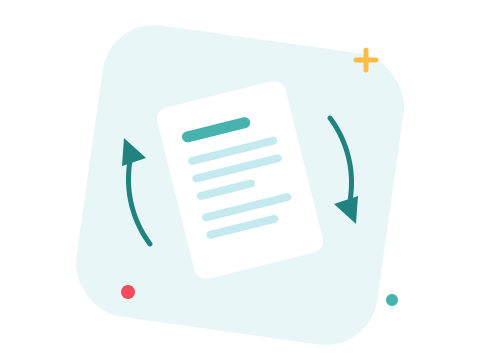
A Real Fix, Not a View Setting
Scans come in sideways, phone photos arrive upside down, and the rotate button in a PDF reader only turns the page on your screen — send the file on, and it's sideways again. Rotating here rewrites the page orientation inside the document, so the fix travels with the file wherever it goes.
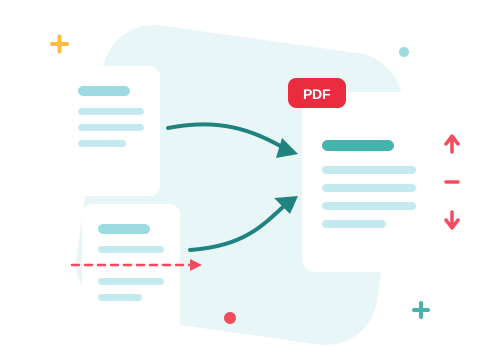
A Secure Online PDF Rotator
Fix your files right in your browser — nothing to install. Your documents travel over an encrypted connection and are permanently deleted from our servers within a few hours. Start right away and upgrade when you need higher limits.

One Page Facing the Wrong Way?
Rotation here applies to the whole file. For a single stubborn page, extract it, rotate just that page, and merge everything back in order. And if some pages shouldn't come back at all, delete them on the way.
See all PDF tools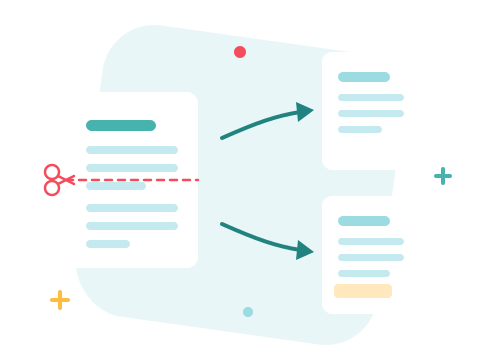
Rotate PDF — Frequently Asked Questions
How do I rotate a PDF online?
Add your PDF files to the box above, choose a direction — right, left, or upside down — and click Rotate. The corrected PDF is ready to download in seconds.
Is the rotation permanent?
Yes — the turn is written into the document itself, so it opens the right way up in every viewer and prints correctly. It's a real fix, not a view setting.
Can I rotate just one page?
The rotation here applies to every page of the file. To fix a single page, extract it with Extract PDF Pages, rotate it, and join everything back with Merge PDF.
Does rotating a PDF reduce its quality?
No. Pages are turned, not re-rendered — text, images, and graphics stay exactly as they were.
Can I rotate several PDFs at once?
Yes — add a batch and rotate them all in one go. Each file arrives as its own corrected PDF; several arrive together in one archive.
Is it safe to edit my files with ZonePDF?
Yes. Files travel over an encrypted connection, are processed automatically, and are permanently deleted from our servers within a few hours.
