
Delete PDF Pages
Remove pages from a PDF online
Remove the pages you don't need from a PDF. List page numbers or ranges and download a clean copy — everything else stays exactly as it was.

 Save to Google Drive


Private and Secure PDF Editing
Your files travel over an encrypted connection and are permanently deleted from our servers within a few hours.
Strip Out the Pages You Don't Need
Blank sheets, wrong scans, someone else's chapter — list them and they're gone in seconds, right in your browser.
Everything Else Stays Untouched
The pages you keep are copied over exactly as they are — no re-rendering, no quality loss, no surprises.
Delete PDF Pages in Three Quick Steps
Upload your PDF, list the pages to remove, and download the clean copy — online, in seconds.
How to Delete Pages from a PDF Online
- Add your PDF files — drop them into the box above or pick them from your device.
- Type the pages to remove — single numbers or ranges, like 2, 4-6 — and click Delete Pages.
- Download the trimmed PDF — the remaining pages, in their original order and quality.
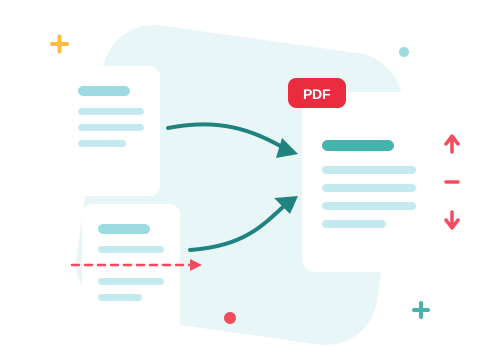
Blank Sheets, Ads, and Wrong Scans — Gone
Scanners love to add empty pages, downloaded reports carry cover sheets nobody asked for, and contract packets bury the two pages you actually signed. Name the offenders — individually or as ranges — and download a document that contains only what belongs there. A different list for each file? Select a file and give it its own.
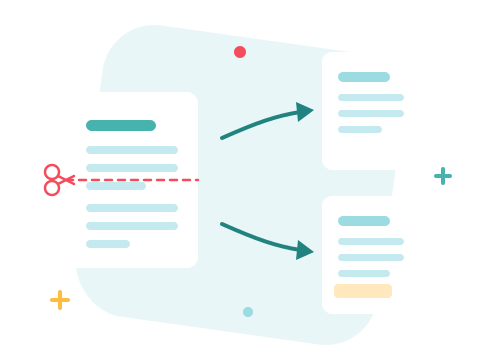
A Secure Online Page Remover
Fix your files right in your browser — nothing to install. Your documents travel over an encrypted connection and are permanently deleted from our servers within a few hours. Start right away and upgrade when you need higher limits.

Keeping Is Sometimes Easier Than Deleting
Removing twenty pages to keep three? Flip the job around and extract the pages you want instead. Need every page as its own file? That's Split PDF. And Merge PDF puts the survivors back together with anything else.
See all PDF tools
Delete PDF Pages — Frequently Asked Questions
How do I delete pages from a PDF online?
Add your PDF to the box above, type the pages to remove — single numbers or ranges, like 2, 4-6 — and click Delete Pages. The trimmed PDF downloads in seconds.
Is my original file changed?
No — you download a new copy with the pages removed. The file you uploaded stays as it was and is permanently deleted from our servers within a few hours.
Do the remaining pages lose quality?
No. The pages you keep are copied into the new document as they are — nothing is re-rendered or recompressed.
Can I remove every page?
No — at least one page must remain, and the page numbers you list have to exist in the document. If nothing would be left, the tool refuses rather than produce an empty file.
How do I delete different pages from several PDFs?
Add the files, then select one at a time and apply its own page list — each document gets exactly the trim it needs.
Is it safe to edit my files with ZonePDF?
Yes. Files travel over an encrypted connection, are processed automatically, and are permanently deleted from our servers within a few hours.
