
Chat with PDF
Ask your PDF questions and get answers online

Chat with your PDF like a colleague who has read every page. Ask in plain language — answers come from the document, with the pages open right beside the conversation.
Uploading your document...
What would you like to know?
Answers come from your document(s). You can also ask for multi-step work like summarize, delete a page, and compress.
Private and Secure Document Chat
Your file travels over an encrypted connection and is permanently deleted from our servers within a few hours.
Talk to the Document, Not About It
Contracts, manuals, reports — ask in plain language and read the answer next to the very pages it came from.
Grounded, Not Guessing
Answers are drawn from the document you attached — and the assistant says so when something is not in it.
Chat With a PDF in Three Quick Steps
Upload your document, ask in plain language, and get answers from its pages — online, in seconds.
How to Chat With a PDF Online
- Add your PDF — drop it into the box above or pick it from your device, Google Drive, or Dropbox.
- Ask anything — type your question or tap a suggestion to get going.
- Follow the answer to the source — the document sits open beside the chat, so checking is one scroll away.
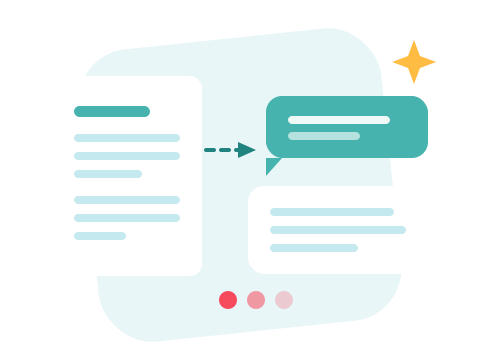
Ask Across Several PDFs at Once
Add more than one document to the same conversation and the questions get more interesting: compare the same clause in two contract versions, ask where the quarterly figures differ, or find which of five manuals actually covers the error code in front of you.
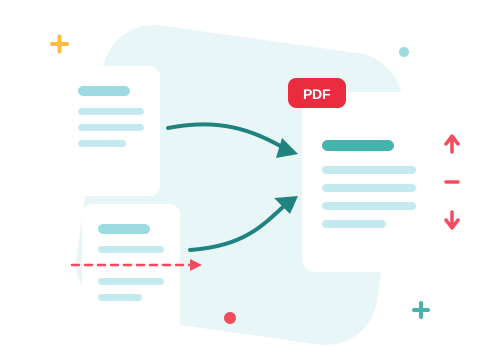
A Secure Online PDF Chat
Chat right in your browser — nothing to install. Your document travels over an encrypted connection and is permanently deleted from our servers within a few hours, and the conversation lives only in your browser. Start right away and upgrade when you need higher limits.

It Answers — and It Does
Mid-conversation, ask it to compress the file, delete a page, merge the attachments, or convert to Word — the AI PDF assistant under the hood runs the site's real tools. Just want the gist first? Summarize the PDF, then start asking. And PDF to Text hands you the raw words whenever you need them.
See all PDF tools
Chat with PDF — Frequently Asked Questions
How do I start chatting with a PDF?
Add your PDF to the box above. The document opens beside a chat window — type a question in plain language, or tap one of the ready-made suggestions, and the answer arrives in seconds.
Can I chat with more than one PDF at a time?
Yes — use Add file to attach several documents to the same conversation and ask across them: compare clauses, find where a figure differs, or ask which file covers a topic.
How do I know the answers aren't made up?
The assistant answers from the pages of the documents you attached — not from the open web — and says so when something is not in them. The document stays open next to the chat, so checking a claim is one scroll away.
Can it do more than answer questions?
Yes — ask it to compress the file, delete a page, merge the attachments, or convert to another format, and it runs the same tools the rest of the site uses, then hands you the files.
Does it work with scanned PDFs?
Answers come from the text stored in the PDF, so a scanned page with no text layer gives the assistant little to work with. Documents exported from Word, Excel or a web page work best.
Is my document kept private?
Your file travels over an encrypted connection and is permanently deleted from our servers within a few hours. The conversation itself lives in your browser and is gone when you close the page.

