How to Merge PDFs Without Losing Quality or Bookmarks
A good merge copies pages instead of redrawing them. What Merge PDF keeps (images, bookmarks, comments, form fields, links) and how to test any tool.
Read the post
A good merge copies pages instead of redrawing them. What Merge PDF keeps (images, bookmarks, comments, form fields, links) and how to test any tool.
Read the postPassword protecting a PDF takes three steps in your browser. What the lock does, how to take it off when you have the password, and what a lost password means.
Read the postConverting a Word document to PDF takes three steps in your browser. Here's what the PDF keeps, why fonts are the one thing to check, and what to do when a file won't convert.
Read the postSigning a PDF takes four steps in your browser: open it, draw your signature, place it on the line, download. Plus saved and scanned signatures, and locked files.
Read the postCompressing a PDF takes three steps in your browser. Here's what Best, Average, and Low actually change, how to read the before-and-after sizes, and what to try when the file is still too big.
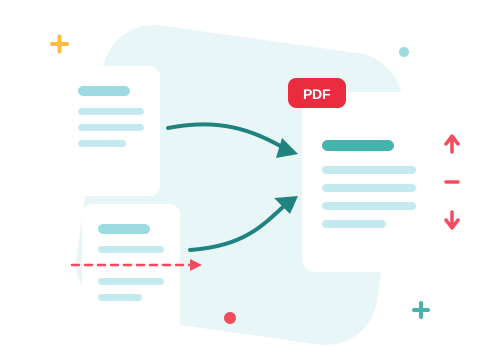
Read the postCombine only the pages you need. Merge PDF's Pages view lets you reorder, rotate, and remove individual pages across files before you merge — in your browser.
Read the postHow teachers and students merge handouts into packets, shrink files for the class portal, split readers, convert Word files, and study with AI — in the browser.
Read the postSummaries instead of cover-to-cover reading, answers instead of Ctrl+F archaeology, and busywork delegated mid-chat — where AI genuinely saves time on PDFs, and where it doesn't.
Read the postSplitting a PDF takes four steps in your browser. How to write a page range the tool will accept, apply different ranges to different files, and avoid the silent fallback that splits everything.
Read the postConverting a PDF to an editable Word document takes four steps in your browser. Here's why the formatting shifts, which documents convert cleanly, and which ones never will.
Read the postAsk a contract, report or manual a question and get an answer from its own pages — then have the same assistant compress, merge or convert the file for you.
Read the postEmail limits, upload errors, full cloud storage — most everyday PDF friction traces back to file size. Here is how compressing PDFs in your browser fixes it in seconds.
Read the postMerging, compressing, splitting, and converting PDFs eats up more work time than it should. A practical guide to streamlining PDF management right in your browser.
Read the postZonePDF Desktop brings the PDF toolbox to your computer — convert, merge, compress, and split files offline, with documents that never leave your machine.
Read the postMeet ZonePDF — an all-in-one PDF toolbox for merging, splitting, compressing, and converting documents online, built to be fast and simple from the first click.
Read the postMerging PDFs takes four steps in your browser. Here's how to control the page order before you merge, combine only the files you need, and fix a merge that came out wrong.
Read the postBy visiting zonepdf.com, you accept the use of cookies, Terms and Conditions and Privacy Policy
 Made in USA