
Thanks for Downloading ZonePDF for Desktop!
Follow these steps to set up ZonePDF on your PC.
-
Open Zonepdf-Desktop-Setup.exe from your Downloads folder.
-
Follow the prompts to install ZonePDF.
-
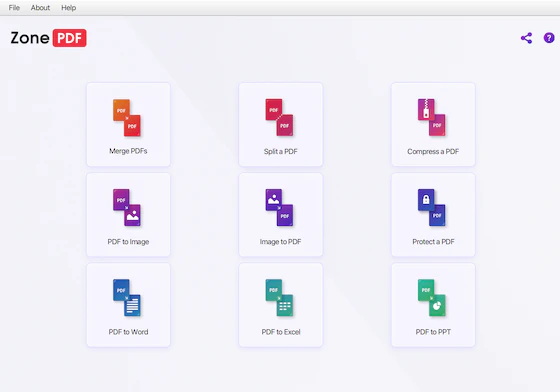
Open ZonePDF, choose a tool, and add your PDF files.

