
PDF to Image
Turn PDF pages into image files online
Render every page of a PDF as an image. Add your document, choose how sharp the images should be, and download a numbered picture of each page.

 Save to Google Drive


Private and Secure PDF Conversion
Your files travel over an encrypted connection and are permanently deleted from our servers within a few hours.
A Picture of Every Page
The whole document is rendered page by page into numbered image files, in seconds — right in your browser, nothing to install.
Quality Tuned to the Job
Three levels to pick from: High for print and zooming, Medium for screens, Low for the smallest files that upload anywhere.
When You Need Pages as Pictures
Upload a PDF, pick a quality level, and download an image of every page — online, in seconds.
How to Convert a PDF Into Images Online
- Add your PDF — drop it into the box above or pick it from your device.
- Choose a quality level: High, Medium, or Low.
- Click convert and download your images — every page arrives as its own numbered file.
Documents Behave Like Documents — Images Go Anywhere
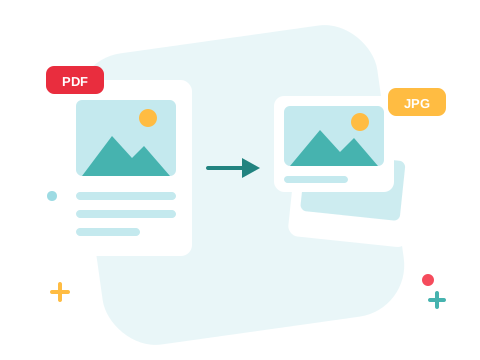
A PDF needs a reader; a picture just shows up. Rendered pages arrive as JPG files — the format every browser, office suite, and photo app opens — so a contract page drops into a presentation, a diagram posts to a chat, and a menu goes straight onto a website. Each file is numbered in page order, so nothing gets shuffled.
A Secure Online PDF to Image Converter
Convert PDF files right in your browser — nothing to install. Your documents travel over an encrypted connection and are permanently deleted from our servers within a few hours. Start right away and upgrade when you need higher limits.

Pick Your Pages, Then Go Both Ways
Don't need the whole document? Split the PDF to a page range first. Rebuilding afterwards is just as quick — convert images back to PDF — and when it's the words you need, PDF to Word gets you editable text instead of pictures.
See all PDF tools
PDF to Image — Frequently Asked Questions
How do I turn a PDF into images online?
Add your PDF to the box above, pick a quality level, and click convert. An image of every page is ready to download in seconds.
What image format do the pages come in?
Pages are rendered as JPG images — the format every browser, office suite, and photo app opens. Each page becomes its own image file, numbered in page order.
How sharp will the images be?
You choose: High renders pages at print-grade sharpness, Medium suits screens and slides, and Low keeps files tiny for previews and quick sharing.
Can I convert only certain pages to images?
Convert the whole file and keep the images you need, or split the PDF first and convert only the pages you kept — the Split PDF tool takes a page range.
How many PDF files can I convert at once?
You can add a batch of PDF files without an account and convert them all in one go. Sign in to raise the limit.
Is it safe to convert PDF files with ZonePDF?
Yes. Files travel over an encrypted connection, are processed automatically, and are permanently deleted from our servers within a few hours.
